
Google Analytics
Log in to add to favouritesPage last updated 21 January 2026
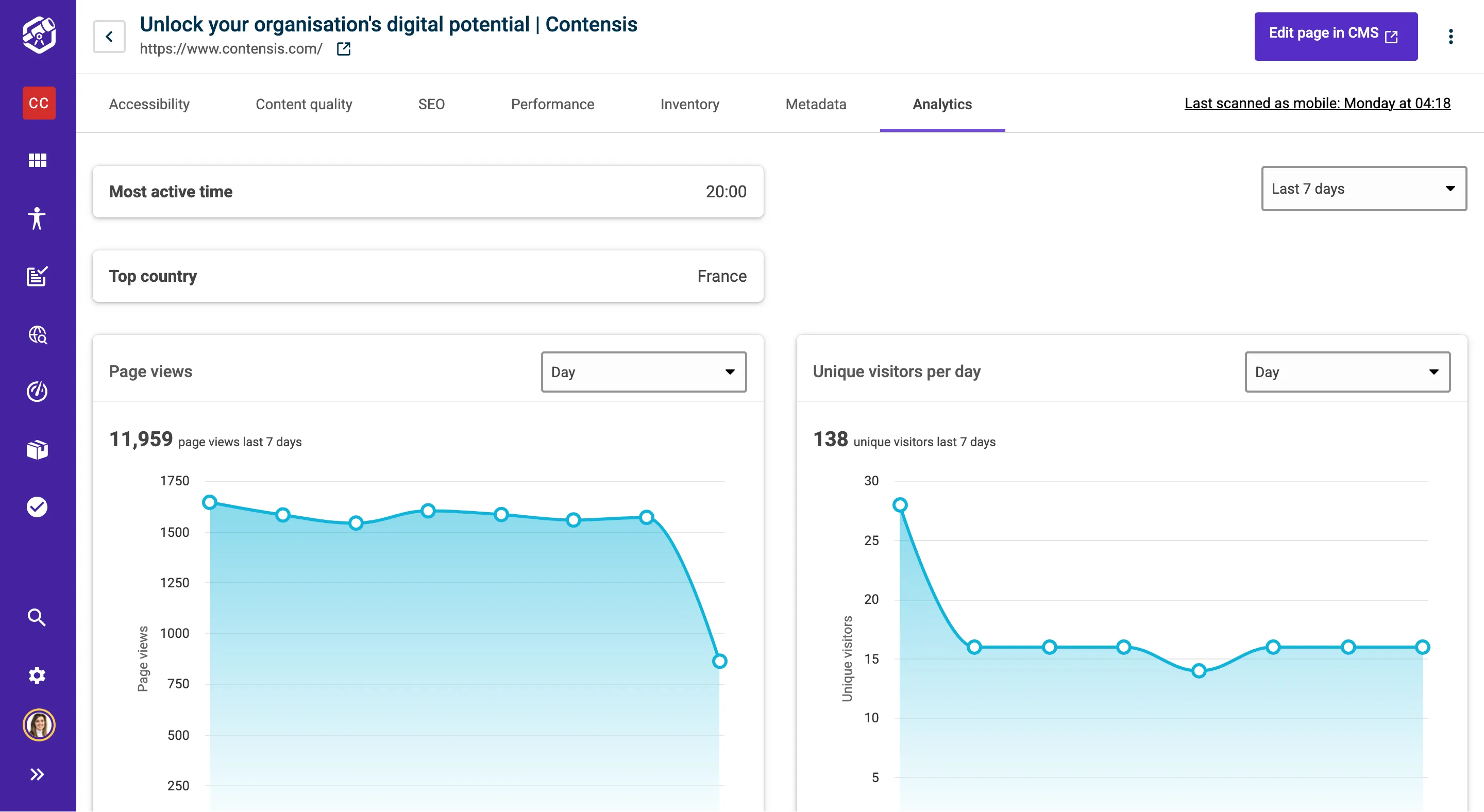
Enabling the Google Analytics integration within Insytful allows you to view analytics data from the individual page view within Insytful.
This feature is available only for Paid plans (Plus and Enterprise).
Getting set up
To enable the integration, you need to be either a Site or Organisation admin.
- Open up the Integrations settings in Insytful
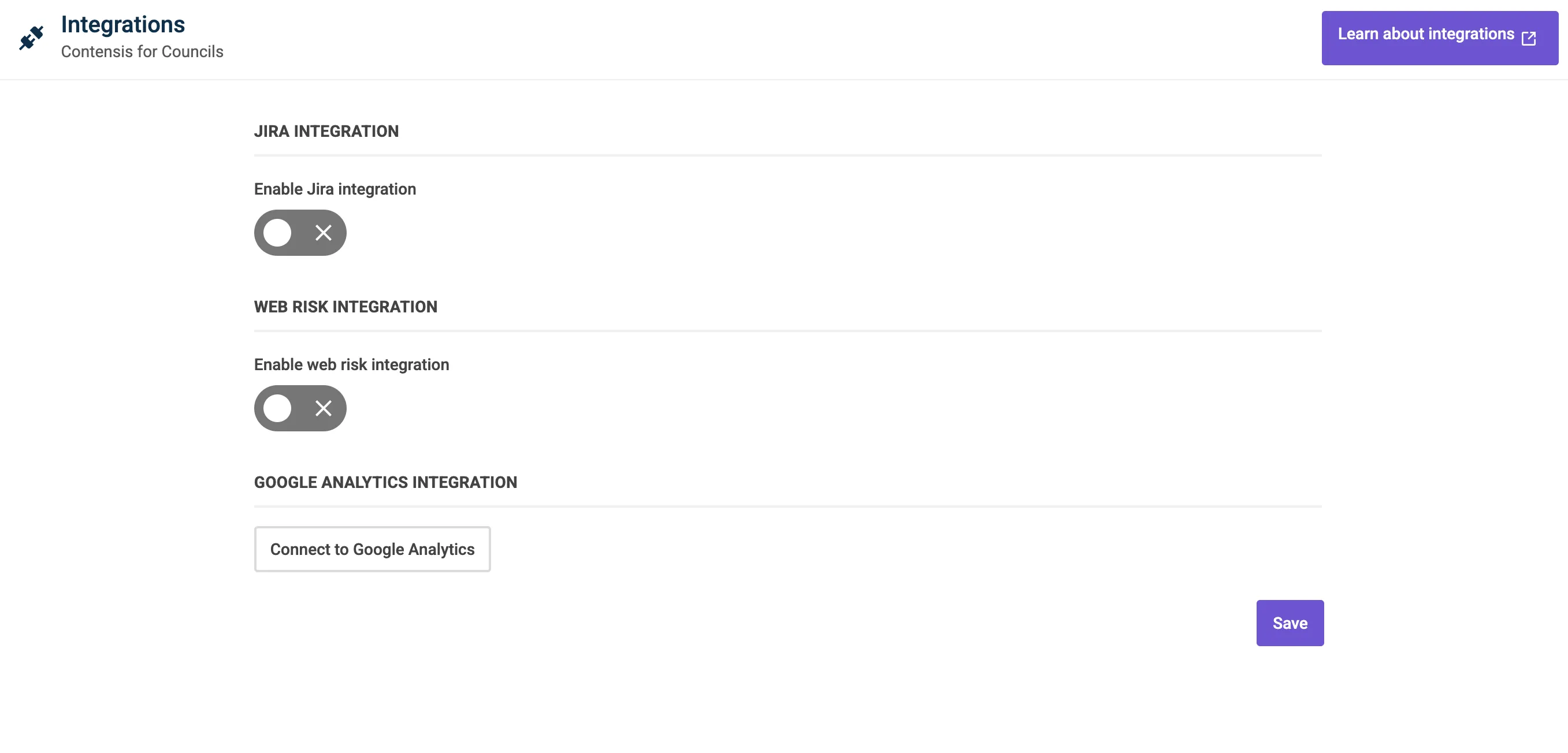
- Click Connect to Google Analytics
- Choose a Google account to sign in with. You'll need to use an account linked to your Google Analytics property.
- Press Save.
- Analytics will now be available at the page-level for all Insytful users to view. Data is read-only and cannot be altered within Insytful.