
Google's Web Risk API
Log in to add to favouritesPage last updated 21 January 2026
Enabling the Google Web Risk integration within Insytful allows you to check for malicious links within the Content Quality report in Insytful.
This feature is available only for Paid plans (Plus and Enterprise).
Getting set up
Organisations can protect their users from unsafe websites by integrating with Google Web Risk.
- Visit Google Web Risk to set up your Google Cloud account.
- Follow the set up instructions from Google.
- Copy the Web Risk API key.
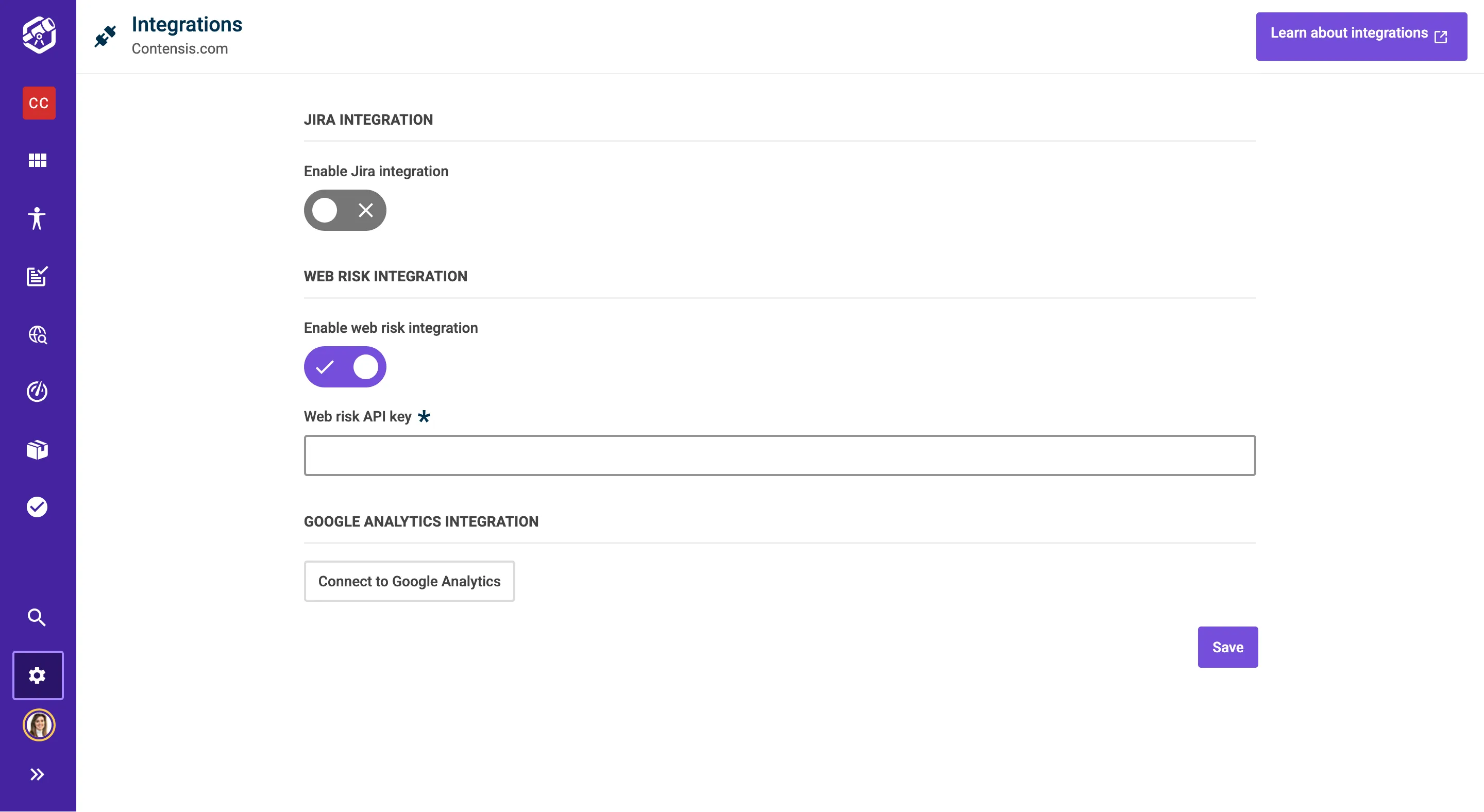
- Go to Settings and Integrations in Insytful.
- Enable the Google Web Risk API and add the API key.
- Click Save.
- If any malicious links are detected, they will be displayed in the Content Quality report, in Malicious Links.