

Readability
Log in to add to favouritesPage last updated 16 October 2025
Readability scores indicate how easy or difficult users might find it to read your web content.
Insytful uses the industry-standard Flesch algorithm to calculate these scores.
Please remember that readability it is only an indication and not an exact measurement.
How readability scores in Insytful are calculated
Insytful uses the Flesch algorithm to measure readability, scoring content on a scale of 0 to 100. Based on the Flesch scoring scale, the higher the readability score, the easier the text is to read. In contrast, the lower the score, the harder it is to read.
Readability scores are broken down into the following categories:
- 90-100 is considered very easy to read
- 60-70 is considered plain English, and easily read by most
- 0-60 is considered difficult
For most website content, aiming for a score between 60 and 70 is ideal.
How the Flesch readability algorithm works
The algorithm takes into account;
- The length of syllables in a word
- The number of words in a sentence
- And the number of sentences in a paragraph.
The shorter the words, sentences, and paragraphs that make up your content, the easier it is perceived to be readable by the Flesch algorithm.
However, by making sentences too short or opting to use a shorter synonym for a word, you might lose clarity and make your content more difficult to understand, but receive a better score.
When rewriting your content, ensure that your copy remains clear, precise, and easy to understand for everyone. For more guidance, please refer to our readability checklist and learn how to improve your readability score.
What content is checked by Insytful?
Insytful aims to provide you with the most accurate results for your content by stripping out all navigation, headers, footers, promo cards, and other elements that are not part of the core content of the webpage. The remaining copy is what Insytful checks for readability.
For this, Insytful uses Mozilla's readability package, the industry-standard package for determining what webpage content is readable. It applies the same technique as browsers do when users use the "Reader mode" feature within their browser. This is a great way to see what content Insytful evaluates on your web pages for readability, as shown in the example video below.
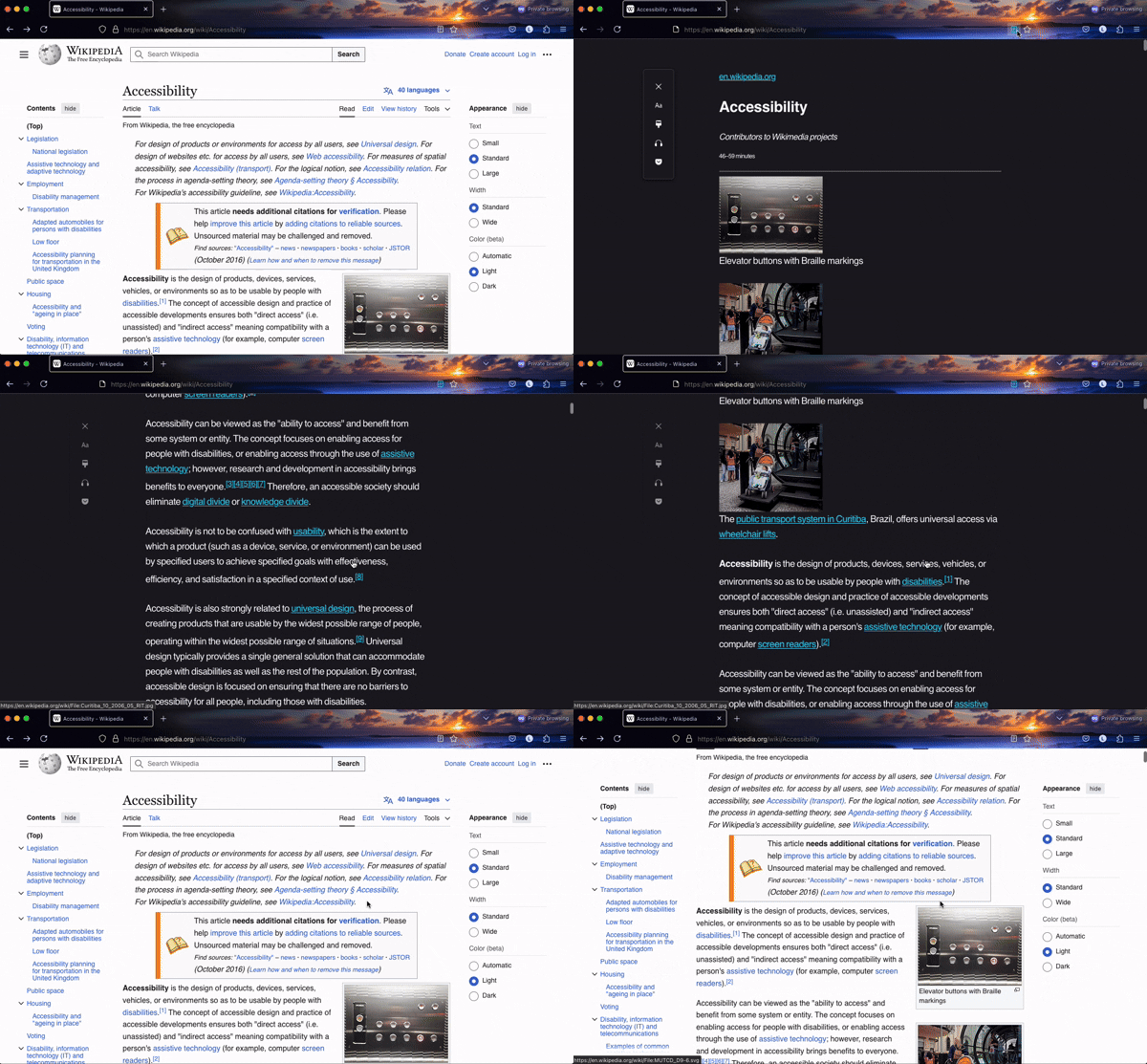
If you need help marking up your web pages, please refer to how to mark up your page for Insytful's readability checker.
Pages marked with no readability score
Some of your webpages might not have enough copy to get an accurate readability score.
For example, landing pages which are more aesthetic, or are used for navigating users, might not have enough content. These pages Insytful marks with “No readability score”.